A private viewer for every ONVIF and RTSP camera you own
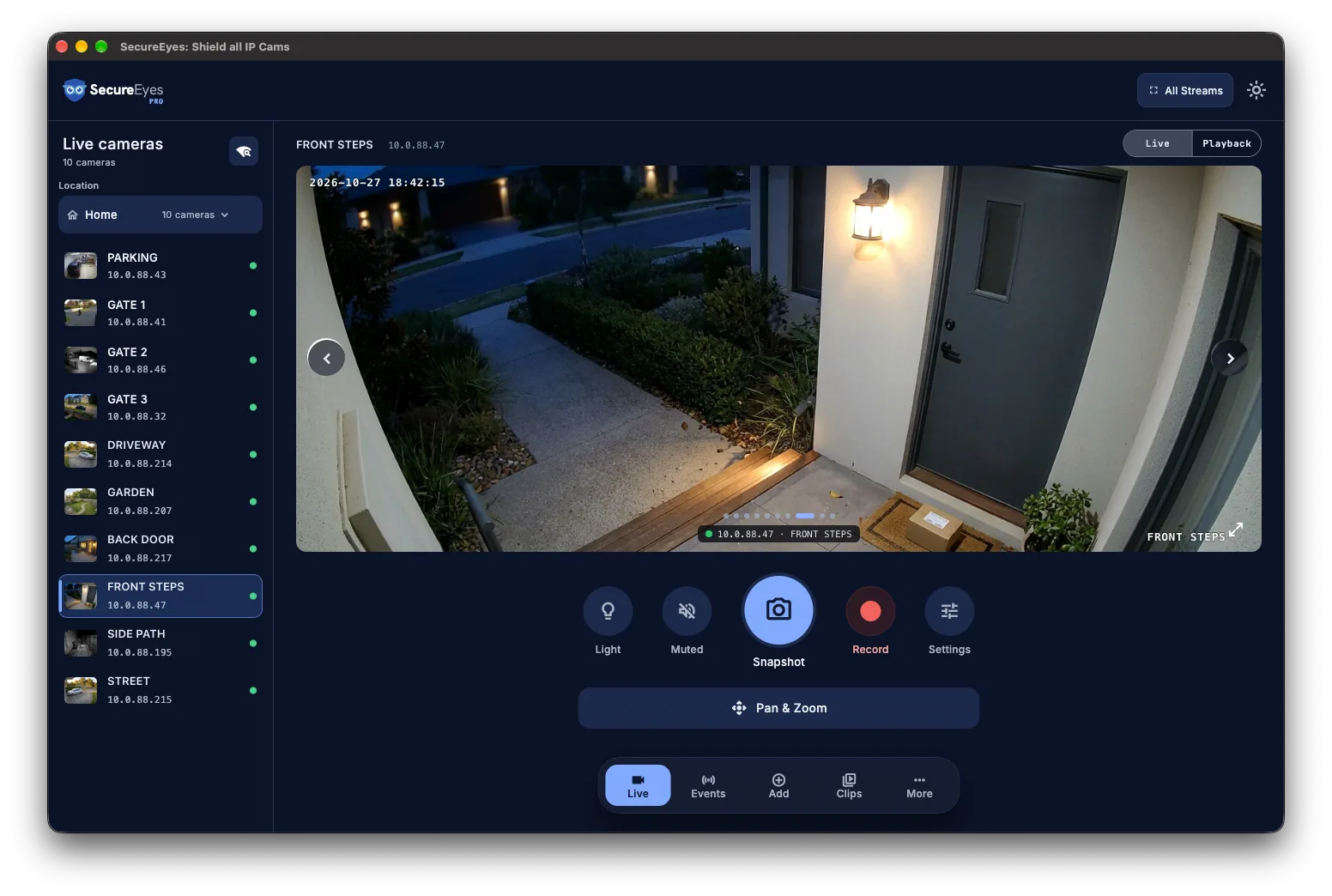
The front door camera has one app, the garden camera another, and the one you picked up on sale a third. SecureEyes puts every one of them on one screen and talks to them straight over your own Wi-Fi. There’s no account to create and no cloud in the middle.†
On iPhone, iPad and Mac. Free for up to three cameras.
Will it work with your cameras?
SecureEyes speaks ONVIF and RTSP, the open standards security cameras use to talk to video recorders, so it isn’t tied to any one brand. A scan on the same Wi-Fi finds your ONVIF cameras, and you can add any other by its IP address. Here is every brand we’ve tested on our own hardware, and exactly what worked.
ReolinkWorksTested on a TrackMix: live video on both lenses, ONVIF motion events, and the spotlight.
DahuaWorksTested on a dual-lens pan-and-tilt camera: found on the network, both lenses and all four streams.
HikvisionWorksTested on a pan-and-tilt camera: found on the network, live video and the substream, ONVIF motion events, and continuous recording on the Hub.
AmcrestWorksTested on our own Amcrest camera: live video works.
Generic ONVIFPartly worksLive video and reboot work. The white-label cameras we tested refuse night-vision control and ignore encoder changes.
TapoPartly worksLive video works over RTSP once you create a Camera Account in the Tapo app. A pan can keep going after you let go, and Tapo's own spotlight and microphone controls are not supported.
AxisNot tested yetWe have not tested an Axis camera yet.
Hanwha VisionNot tested yetWe have not tested a Hanwha Vision camera yet.
Works
Tested on our own camera of this brand: it is found, live video plays, and what we tested works.
Partly works
Tested: live video plays, but something we tested did not work or needs a workaround.
Not tested yet
No camera of this brand tested yet. If it speaks ONVIF and RTSP, it is still a candidate.
What you get
The whole house on one screen
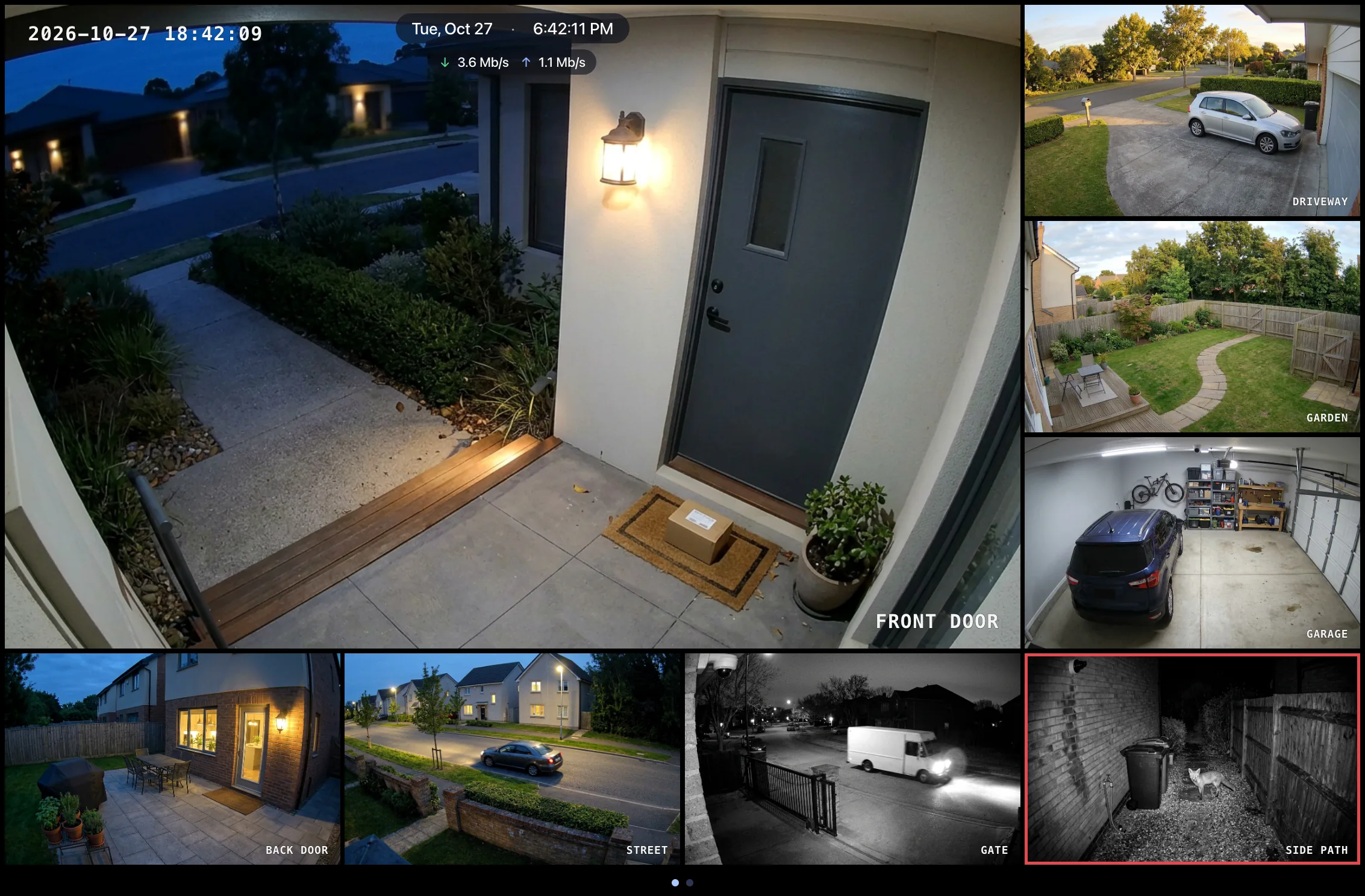
Put up to 16 cameras on one wall, in grids from 1×1 to 4×4, with one camera large and the rest around it, or as a panorama. Drag a camera to move it, and page on when you have more. Big walls play each camera’s lighter substream, so they stay smooth. Free covers six layouts up to 2×2; Standard and Pro unlock all of them.
On a Mac every wall gets its own window, so a spare monitor becomes a security screen that keeps running while you work. Free gives you up to three walls, one camera each.
Know if it was a person, a vehicle or an animal
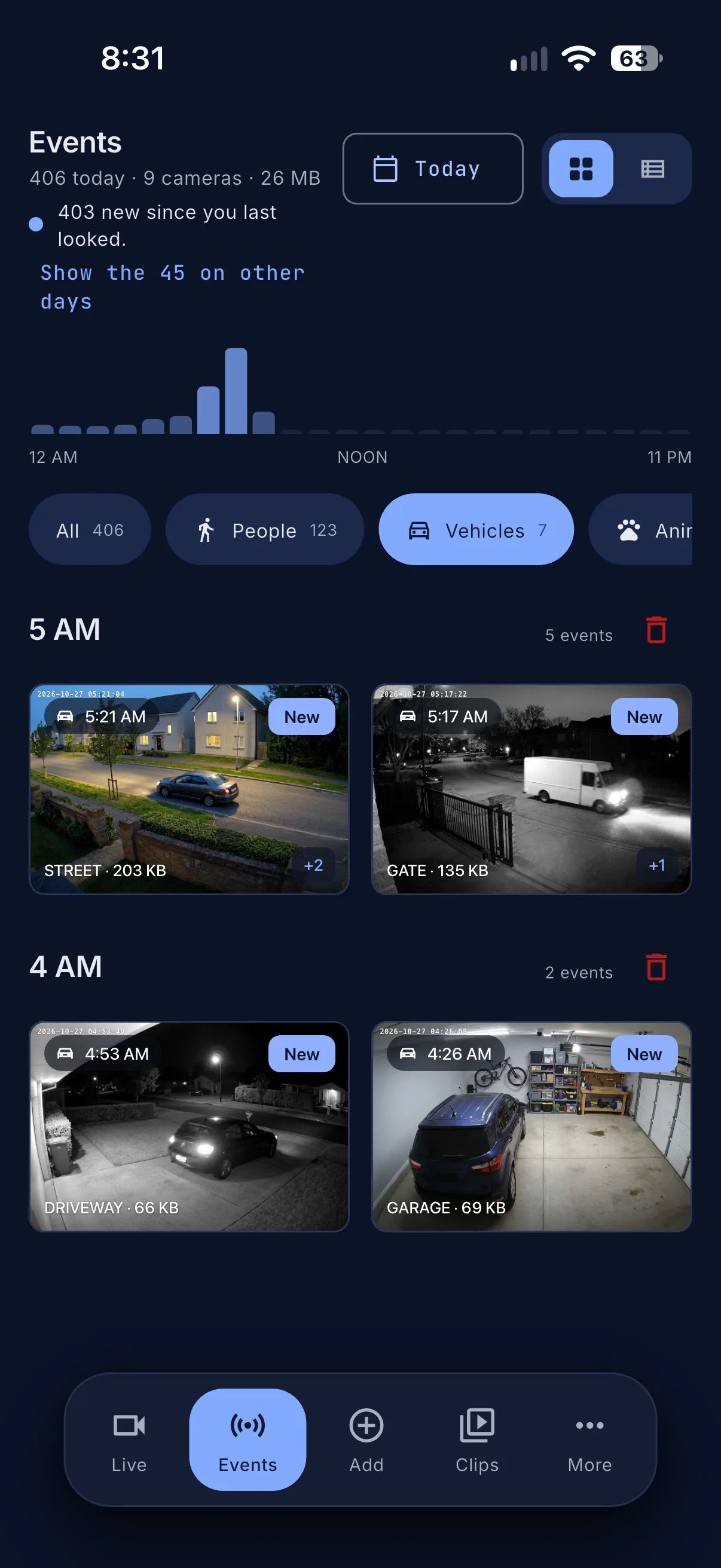
Each motion event is labelled person, vehicle or animal by Apple Vision, on your iPhone, iPad or Mac. It says animal, not which animal, and anything it can’t make out stays plain motion. The caption is written on the device too, and no picture is sent anywhere. Events are kept for 7 days, up to 2 GB, unless you change it. Free uses the motion the camera itself reports. Standard and Pro can also watch cameras that don’t report it.
Your video stays on your network
It travels from the camera, or your own Hub, straight to your device over your own network.† Camera passwords are kept in the Apple Keychain, or only on your Hub when it holds the cameras, the app has no analytics, and nothing goes to Photos unless you save it there.
† The one exception is yours to choose. With a Pro Hub, Watch away from home goes through our relay, sealed end to end so the relay cannot see your video. It is off until you turn it on, and the relay is not open to the public yet.How it worksPrivacy policy
Your network
Straight from the camera
Camera
to
Your iPhone, iPad or Mac
Through your Hub
CamerasOne connection to each
to
HubRecords to its own disk
to
Every screen
iPhone, iPad, Mac
Browser page
TV wall
Off until you turn it on
Your HubPro
to
Our relaySealed end to end: it cannot see the video
to
You, away from home
Watch away from home. No router port is opened. The public relay is not open yet.
Your devicesStandard or Pro
to
Your own iCloudCameras, settings, events and their pictures
iCloud sync. Clips stay on the device that recorded them.
Passwords in Keychain or on your Hub
No analytics
Photos untouched
Solid lines stay on your network. Dashed lines are off until you turn them on.
New phone? Move your cameras across in one go
On Standard and Pro, your cameras, locations and saved passwords travel in one encrypted code, locked with an eight-character key. Scan the QR on the old device with the new one, or paste the code. It needs no account and no internet. Recorded video and event history stay behind. This is in preview until we finish testing it between two devices.
No spinner and a shrug. A camera, stream or sync failure comes with a permanent code, the reason in plain words, and the fix. Look the code up in the knowledge base for the whole story.
SE-AUTH-001 · Sign-in rejected → Update this camera's username and password.
In your language, error messages included
Every screen, setting and error message comes in ten languages. It follows your device, or you can pick one in Settings. The Mac menu bar item and the Hub’s own pages are English for now.
English
Deutsch
Español
Français
日本語
한국어
简体中文
ไทย
हिन्दी
العربية
Pricing
You pay for more cameras and features, never to see footage you already have. Every plan keeps local viewing, snapshots and clips.